WorkXCloud

ServicesSix lanes

A lane for
every file

WorkXCloud is not one big drive. It is six purpose-built ways to store, move and prove your files, each tuned for a different kind of work and all encrypted in transit and at rest.

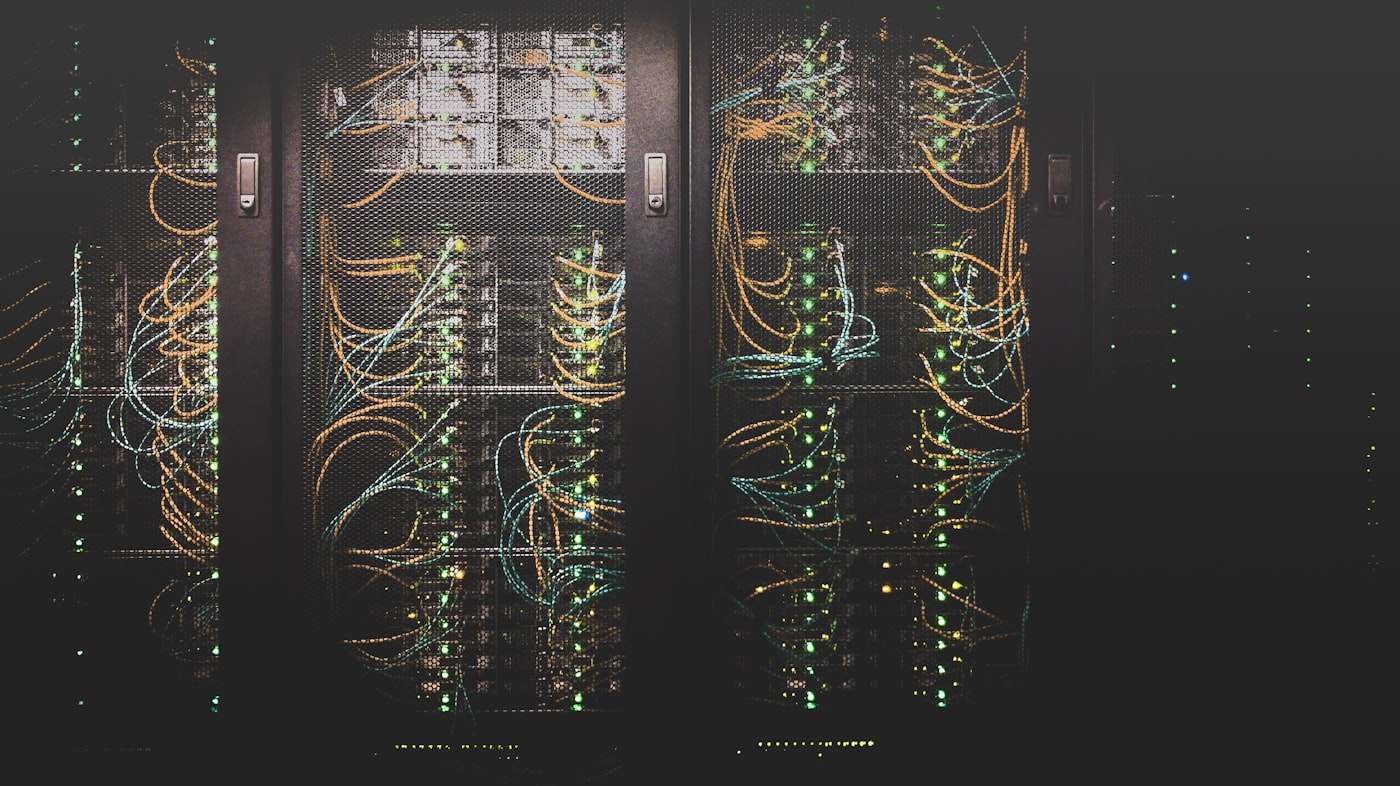
Rows of illuminated server racks inside a data center
Built on encrypted storage

01

Project File Hub

Tasks, owners and files share a single hub, so nobody has to ask which version belongs to which job.

  • Task-linked files. Attach any file to a task. It stays with the card from To do to Done and shows up in the project history.
  • Named owners. Every folder, task and file has an owner, so approvals never stall on guesswork.
  • Project templates. Start each job with the same folder tree, roles and checklists in one click.
Largest single file
250 GB

Largest single file

Permission roles
4

Permission roles

Hub per project
1

Hub per project

Open Project File Hub

02

Shift Sync Storage

Crews on the floor and in the field keep working offline. Everything merges cleanly the moment a device reconnects.

  • Offline-first folders. Pin job folders to a device, then open, edit and save them with no connection at all.
  • Smart merge on reconnect. Changes upload in order and merge into the shared copy as soon as the device is back online.
  • Conflict copies, never overwrites. If two edits collide, both are kept and flagged so a person can pick the winner.
Offline window
30 days

Offline window

Block-level uploads
Delta

Block-level uploads

Silent overwrites
0

Silent overwrites

Open Shift Sync Storage
V1V2V3MILESTONE LOCKED

03

Blueprint Vault

Large CAD sets, drawings and layered design files get a full version tree, milestone releases and chunked uploads.

  • Full version tree. Every save becomes a revision you can compare, restore or branch from.
  • Named milestones. Mark a revision as Issued for Review or As Built and it is protected from cleanup.
  • Chunked uploads. Multi-gigabyte files upload in resumable pieces, so a dropped connection never restarts the transfer.
Largest single file
1 TB

Largest single file

Days of revision history
365

Days of revision history

Resumable uploads
Chunked

Resumable uploads

Open Blueprint Vault
4719

04

Handoff Lockers

Hand files to people outside your team with a code, an expiry and a receipt. They never need to sign up.

  • Pickup codes. Each locker has its own code. Share it by message or phone, and change it whenever you need to.
  • Drop-only or pickup-only. Let a contractor upload without seeing anything else, or let a client download without being able to add files.
  • Auto-expiry and purge. Lockers close on the date you set and the contents are removed on schedule.
Per locker
500 GB

Per locker

Longest expiry
90 days

Longest expiry

Accounts needed to pick up
0

Accounts needed to pick up

Open Handoff Lockers
ACCESS LOG#a1f#9c4#e07#3bd

05

Audit Trail Archive

Closed projects and records move into write-once storage, and every view, download and share is written to a searchable trail.

  • Write-once retention. Archived records cannot be edited or deleted until the retention period you set has ended.
  • Hash-chained access log. Each log entry is linked to the one before it, so tampering with the history is detectable.
  • Searchable trail. Filter by person, file, action or date range to answer an access question in seconds.
Longest retention
15 yrs

Longest retention

Of access logged
100%

Of access logged

Export formats
2

Export formats

Open Audit Trail Archive
LANES 1 TO 3

06

Bulk Import Lines

Scheduled, resumable transfer lanes pull data from legacy file servers while people keep working.

  • Parallel transfer lanes. Split a server into lanes by folder or file type and move them side by side.
  • Scheduled windows. Run transfers overnight or in quiet hours, with blackout periods for busy times.
  • Resumable by design. A dropped link or a reboot picks up from the last verified block, not from the start.
Parallel lanes
16

Parallel lanes

Per migration
TB+

Per migration

Files checksum-checked
100%

Files checksum-checked

Open Bulk Import Lines

Your move

Ready when your files are.

Create a free account with 20 GB of encrypted storage, open your first project hub and invite the crew. It takes a few minutes.